Intro
Learning video editing has become one of the most valuable digital skills in 2026, with creators, businesses, and marketers increasingly relying on high-quality video content to engage audiences. Among the many editing tools available, DaVinci Resolve has emerged as one of the most powerful and widely used platforms. Its professional-grade editing features, advanced color grading tools, and free entry-level version make it accessible to beginners while still meeting the demands of professional filmmakers. As a result, more learners are turning to structured online courses to master the software efficiently and build real-world editing skills.
With hundreds of training options available, choosing the right course can be challenging. The best programs combine strong ratings, high enrolments, and hands-on project work that reflects real editing workflows. This curated list highlights five of the top-selling DaVinci Resolve courses in 2026, each selected for practical learning, industry relevance, and student satisfaction. Whether you are starting from scratch, improving your editing workflow, or developing professional-level color grading skills, these courses provide structured pathways to help you create portfolio-ready video projects and build confidence in modern video production.
Lets Dive In
1. DaVinci Resolve Training Course – Beginner to Advanced
Platform: Udemy
Duration: ~17 hours (self-paced)
Rating: ★★★★★ ~4.7/5
Students: 80,000+ enrolled globally
Cost: ~$24.99 (one-time purchase, often discounted)
Overview:
The DaVinci Resolve Training Course – Beginner to Advanced is a comprehensive program designed to teach video editing and color grading from the ground up. The course is structured to guide learners through essential editing tools before moving into advanced techniques such as transitions, visual effects, and professional workflow optimization. It is ideal for beginners, content creators, and aspiring video editors looking to build practical editing skills.
The course emphasizes hands-on learning, allowing students to work alongside the instructor using real footage. By completing guided exercises, learners gain experience creating polished videos suitable for YouTube, marketing, and professional projects. The step-by-step approach makes complex editing techniques accessible while helping students build confidence using DaVinci Resolve.
Curriculum and Teaching Methodology:
The curriculum begins with interface navigation, media organization, and basic editing techniques. It then progresses into advanced topics including transitions, titles, audio editing, and color correction. Students also learn timeline management, exporting workflows, and efficiency tips used by professional editors.
The teaching methodology focuses on practical application. Each module includes guided exercises and mini-projects that reinforce skills through real-world editing scenarios. This structured progression ensures learners develop both technical proficiency and workflow confidence.
Industry Relevance:
Video editing skills using DaVinci Resolve are increasingly in demand across content creation, marketing, filmmaking, and social media production. This course provides practical experience aligned with real-world editing tasks, including creating promotional videos and social media content.
By completing the course, learners gain the foundational knowledge needed to work on freelance projects, YouTube channels, or entry-level editing roles. The skills taught are directly applicable to professional editing workflows used across creative industries.
Course link: DaVinci Resolve Training Course – Beginner to Advanced
2. Introduction to DaVinci Resolve for Video Editing
Platform: Domestika
Duration: ~6 hours (self-paced)
Rating: ★★★★★ ~4.8/5
Students: 17,000+ enrolled globally
Cost: ~$20 (one-time purchase, often discounted)
Overview:
Introduction to DaVinci Resolve for Video Editing is a beginner-friendly course designed to help learners understand the essential tools and workflows required to edit professional-quality videos. The course focuses on building a strong foundation in editing techniques while guiding students through the creation of a complete video project from start to finish.
Learners follow a structured workflow that mirrors real-world editing processes, including organizing footage, editing clips, adding transitions, and exporting final content. This practical approach makes the course ideal for content creators, filmmakers, and marketers seeking hands-on editing experience.
Curriculum and Teaching Methodology:
The curriculum covers project setup, media import, timeline editing, transitions, and basic color correction. Students also learn how to add titles, adjust audio levels, and export videos optimized for different platforms. Each lesson builds progressively, ensuring learners gain confidence as they advance.
The teaching methodology emphasizes project-based learning. Students work with provided footage to complete a full editing project, reinforcing key concepts through practical application. This approach helps learners understand both creative and technical aspects of video editing.
Industry Relevance:
DaVinci Resolve is widely used in video production, YouTube content creation, and marketing teams. This course provides foundational editing skills applicable across these industries. Learners gain experience with workflows commonly used in professional environments.
Completing this course prepares students to edit short films, social media videos, and promotional content. The practical experience gained helps build a portfolio suitable for freelance work or entry-level editing roles.
Course link: Introduction to DaVinci Resolve for Video Editing
3. DaVinci Resolve Fundamentals
Platform: LinkedIn Learning
Duration: 7 hours (self-paced)
Rating: ★★★★★ ~4.6/5
Students: 1,067+ learners enrolled
Cost: ~$29.99/month subscription
Overview:
DaVinci Resolve Fundamentals provides a professional introduction to editing and color grading workflows using industry-standard techniques. The course is designed for beginners and intermediate users who want to understand editing workflows used in professional production environments.
The course focuses on practical skills such as trimming clips, managing timelines, and applying color correction. By working with real-world footage, learners gain hands-on experience that mirrors professional editing scenarios. This structured training helps build confidence in navigating the DaVinci Resolve interface.
Curriculum and Teaching Methodology:
The curriculum begins with interface navigation and media management before moving into editing techniques, transitions, and color correction. Students also learn audio editing, titles, and exporting for multiple platforms. The lessons are organized into concise modules for easy learning.
The teaching methodology combines guided instruction with hands-on practice. Learners follow along using downloadable files, ensuring they apply techniques in real time. This approach supports both conceptual understanding and practical skill development.
Industry Relevance:
The skills taught align with industry workflows used in filmmaking, corporate video production, and online content creation. Learners gain experience in editing and finishing videos suitable for professional use.
Completing the course helps students develop portfolio-ready projects and prepares them for freelance editing work or content creation roles. The training is particularly valuable for professionals seeking to improve video production skills.
Course link: DaVinci Resolve Fundamentals
4. Color Grading with Da Vinci Resolve: Beginner to Advanced
Platform: Udemy
Duration: ~34 hours (self-paced)
Rating: ★★★★★ ~4.6/5
Students: 33,00+ enrolled globally
Cost: ~$24.99 (one-time purchase, often discounted)
Overview:
Color Grading with Da Vinci Resolve: Beginner to Advanced focuses specifically on cinematic color grading techniques used in professional video production. The course is designed for editors and filmmakers who want to enhance visual storytelling through advanced color workflows.
Students learn how to transform raw footage into polished visuals using professional grading techniques. The course includes hands-on projects such as grading corporate videos and cinematic sequences, helping learners develop real-world skills.
Curriculum and Teaching Methodology:
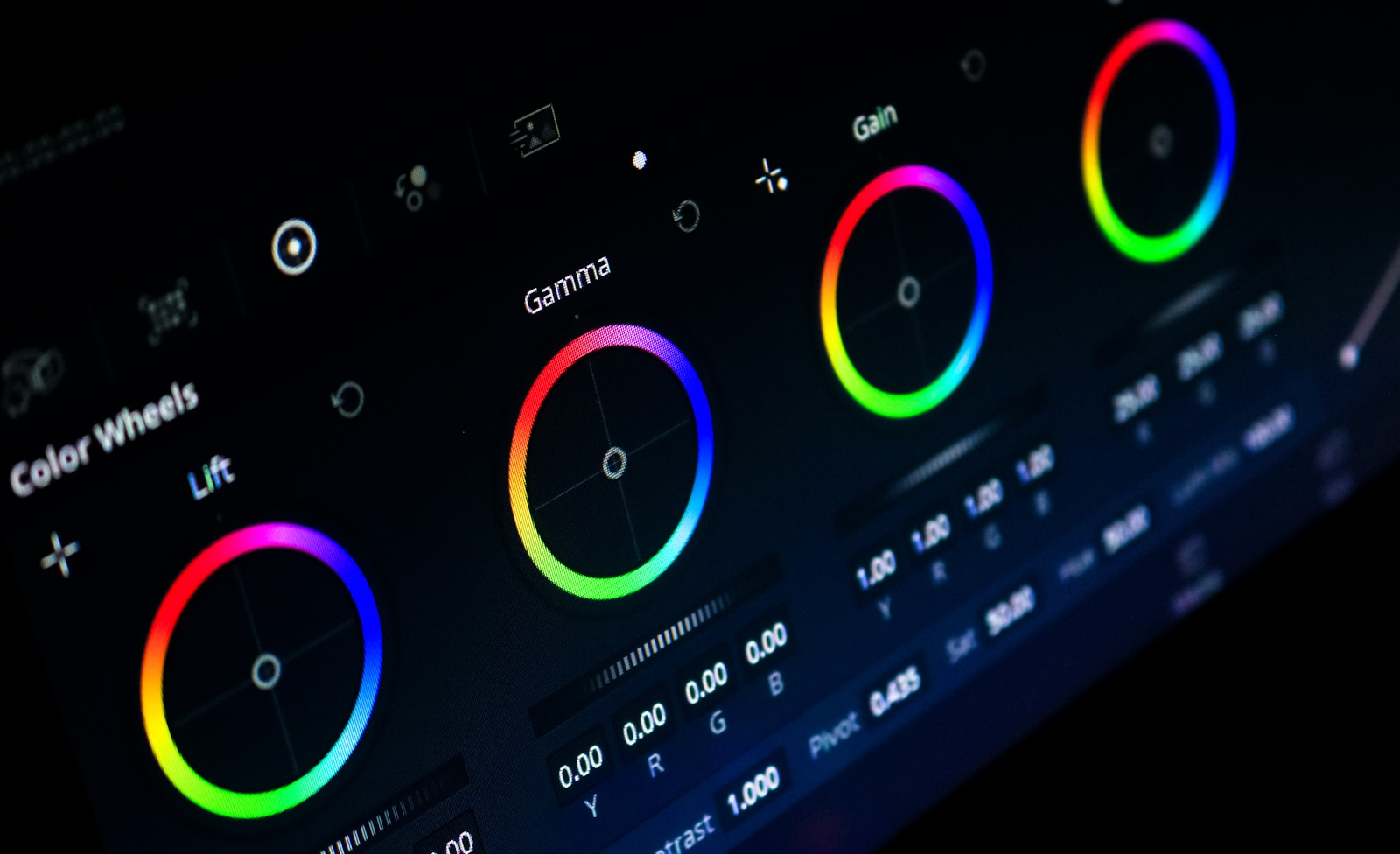
The curriculum covers color theory, node-based grading, primary and secondary corrections, LUT usage, and advanced grading workflows. Students also learn shot matching, skin tone adjustments, and exporting graded footage. Each lesson builds on the previous one.
The teaching approach is highly practical. Learners work with downloadable footage and follow step-by-step demonstrations. This hands-on methodology ensures students gain experience applying color grading techniques in real-world scenarios.
Industry Relevance:
Color grading is an essential skill in filmmaking, advertising, and digital content creation. This course prepares learners to produce cinematic visuals suitable for professional projects. The techniques taught align with workflows used in film and broadcast industries.
By completing the course, learners gain specialized skills that can enhance freelance editing services and improve video production quality. Color grading expertise also increases opportunities in post-production roles.
Course link: Color Grading with Da Vinci Resolve: Beginner to Advanced
5. Davinci Resolve: The Complete Video Editing Course
Platform: Skillshare
Duration: ~10 hours (self-paced)
Rating: ★★★★★ ~4.7/5
Students: 1,567+ enrolled (Skillshare platform-based enrolment)
Cost: ~$14/month subscription (Skillshare membership)
Overview:
Davinci Resolve: The Complete Video Editing Course is designed to provide a comprehensive introduction to editing workflows using DaVinci Resolve. The course covers essential editing tools and guides learners through building a complete video project. It is suitable for beginners and content creators.
Learners follow structured lessons that cover timeline editing, transitions, titles, and audio adjustments. The course includes practice footage, allowing students to apply concepts directly and build practical experience. This hands-on approach helps reinforce learning.
Curriculum and Teaching Methodology:
The curriculum includes media organization, cutting clips, transitions, titles, audio editing, and basic color grading. Students also learn export settings for social media and online platforms. The lessons are organized to build skills progressively.
The teaching methodology emphasizes practical learning through guided exercises. Students complete a final project, ensuring they apply editing techniques in a real-world scenario. This project-based structure helps learners build confidence.
Industry Relevance:
Video editing skills are valuable across social media, marketing, and content creation industries. This course provides foundational knowledge applicable to YouTube, online courses, and promotional videos. Learners gain skills aligned with modern content production needs.
Completing the course helps students create portfolio-ready videos and prepares them for freelance editing or content creation roles. The practical focus ensures skills can be applied immediately.
Course link: Davinci Resolve: The Complete Video Editing Course
Final Thoughts
Mastering DaVinci Resolve in 2026 opens the door to a wide range of creative and professional opportunities, and the five courses featured in this guide provide strong pathways for different learning goals. DaVinci Resolve Training Course – Beginner to Advanced offers a comprehensive foundation covering editing, effects, and workflow essentials. Introduction to DaVinci Resolve for Video Editing focuses on structured project-based learning ideal for beginners. DaVinci Resolve Fundamentals delivers a professional workflow approach suited to learners seeking industry-style training. Color Grading with Da Vinci Resolve: Beginner to Advanced specializes in cinematic color grading techniques, while Davinci Resolve: The Complete Video Editing Course provides a well-rounded introduction with hands-on practice and a final project.
Together, these courses cover the full spectrum of skills required to become confident in video editing, from basic timeline editing to advanced color grading and professional finishing. Choosing any of these options allows learners to build practical experience, develop portfolio-ready projects, and improve workflow efficiency. With consistent practice and structured instruction, these programs can help transform beginners into capable editors ready for freelance work, content creation, or career advancement in today’s video-first digital landscape.